 MOTVIVO

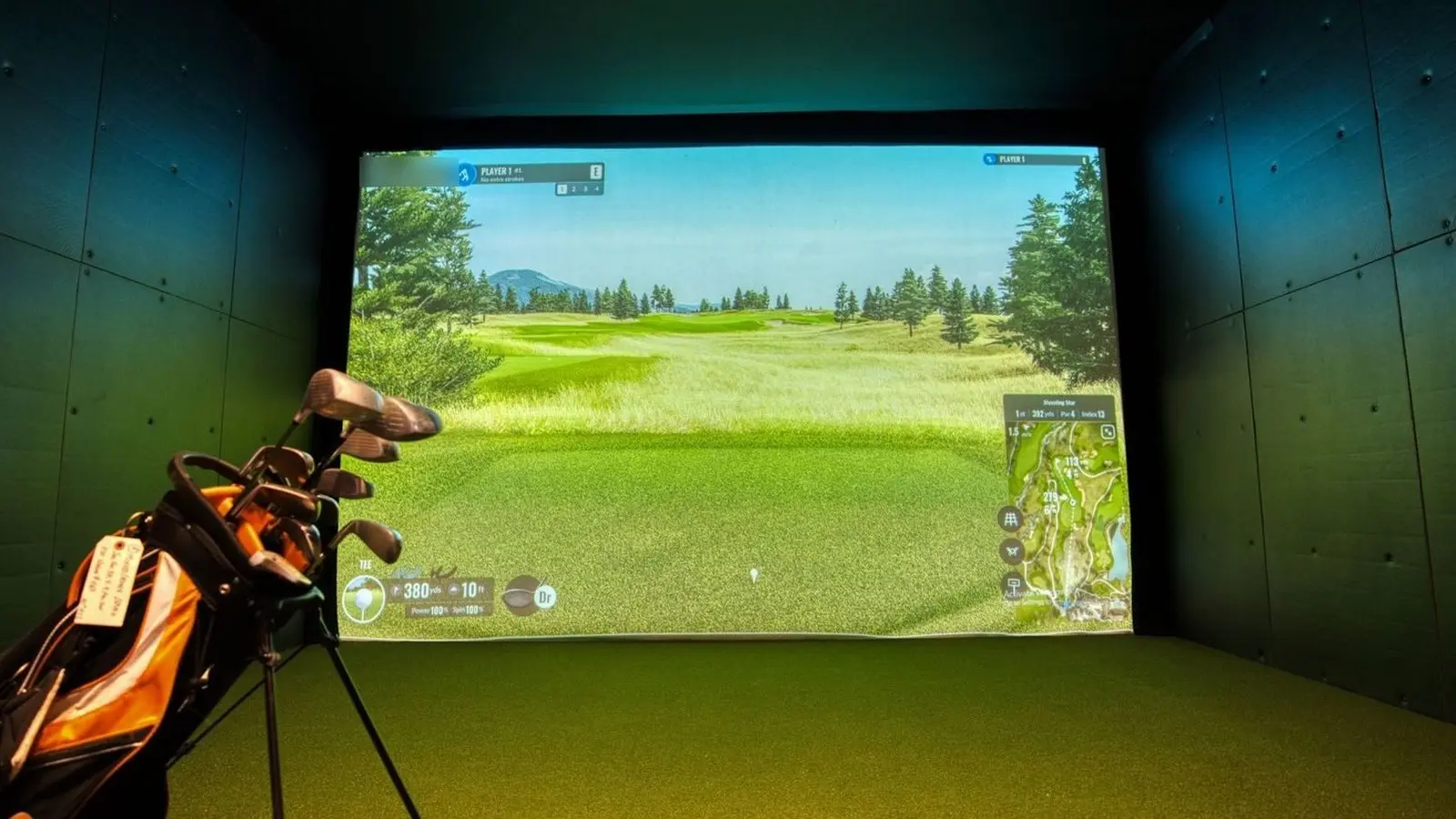
Indoor golf venues on MOTVIVO can now let the booking calendar switch their simulators on and off. Each bay powers up shortly before players arrive and goes off after they leave, without anyone at the desk thinking about it. The first venue to go live is G&M Club – Golf & Motion in Villach, Austria.
The job nobody wants to remember
Anyone who runs a simulator venue knows the routine. Someone switches each bay on before the first players arrive, and someone has to remember to switch it off after the last group leaves. Forget the first, and players stand waiting while the projector and PC start up. Forget the second, and a bay runs all night. The more bays and the longer the opening hours, the more often it slips, especially at quiet times or when nobody is at the desk.
How it works
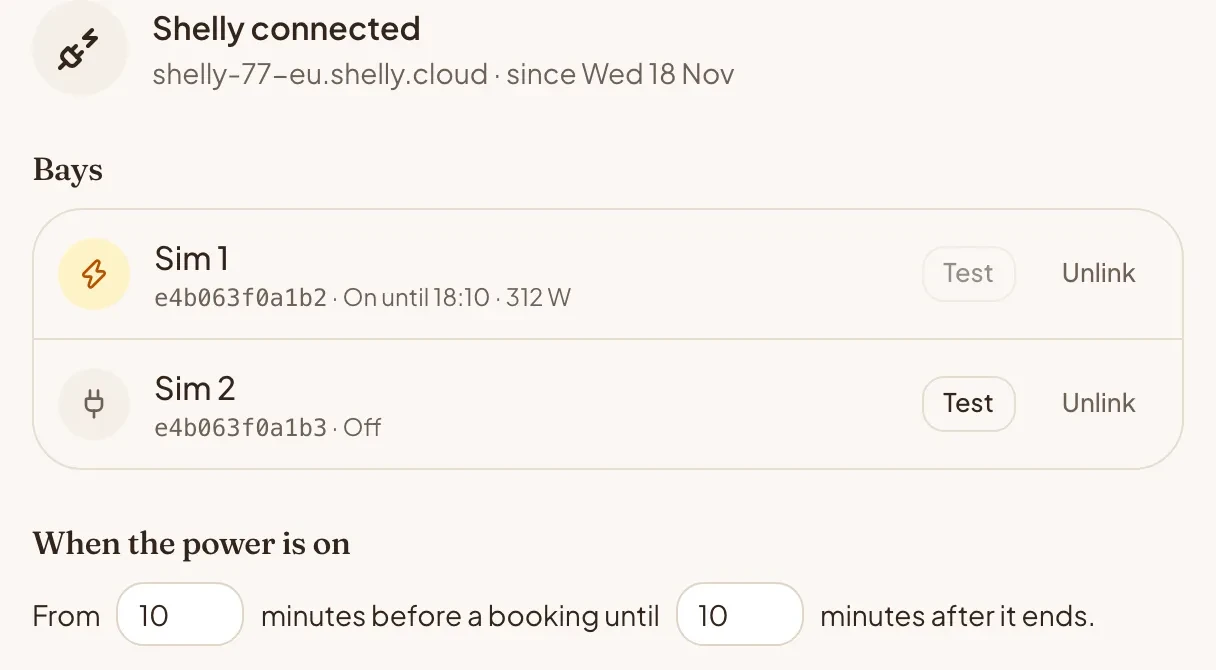
- On before, off after. Each bay comes on 10 minutes before a booking, or before time the venue has blocked for a lesson or maintenance, and goes off 10 minutes after it ends. The venue can set both times anywhere from 0 to 60 minutes.
- No flicking on and off between groups. Bookings close together keep the bay on in between, and a cancelled booking switches it off again.
- Safe when the internet drops. Every time a bay is switched on, the plug also gets its own off-timer, so the bay still goes off if the internet or the plug maker’s cloud is down.
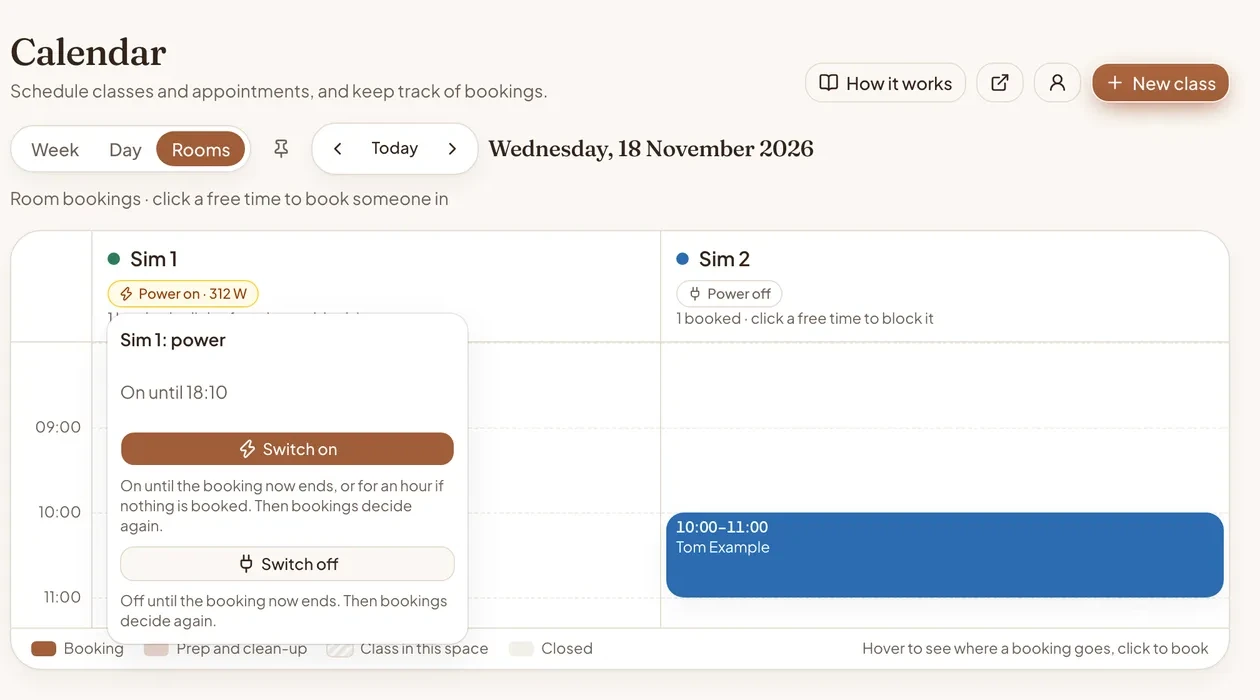
- The desk stays in charge. The Rooms calendar shows each bay’s power, and staff can switch a bay on or off by hand. If a bay doesn’t come on for a booking, the desk gets a notice.
What a venue needs
One Shelly smart plug or relay per simulator. In MOTVIVO it’s set up under Settings → Simulator power: paste the Shelly cloud key, link each bay to its plug, and press Test to see the bay switch. Simulator power is part of golf simulators on the Premier plan.
First venue: G&M in Villach
G&M Club – Golf & Motion in Villach, Austria, set it up on 18 November with two Shelly Plug M Gen3 plugs, one for each of its simulators. In the first test booking, Simulator 1 switched on, and after the booking off again, each within a minute of the planned time.
For players it simply means a bay that’s ready when they walk in. For the venue, it means nothing left running overnight and one less thing for the team to remember. It’s also a first step towards opening hours without staff at the desk, with door codes for smart locks next.
More on MOTVIVO for indoor golf, or see a demo venue’s website and booking app.